
Gaussian Splatting Learn
What is Gaussian Splatting?
Learn what Gaussian Splatting is, how it works and why it is becoming one of the most important techniques for photorealistic 3D scene creation.
Start building now
Turn your images or 360 video into photorealistic 3D scenes
Upload your capture, train a Gaussian Splatting scene and manage everything directly in the Splatware workspace.
Beginner Guide
Gaussian Splatting is one of the most important new workflows in modern 3D scene creation, 360 video reconstruction, capture pipelines and photorealistic rendering. It helps creators, studios, surveyors and production teams turn captured real-world data into detailed, believable 3D scenes that can be viewed, edited, shared and published. Readers who want to go deeper can also explore the introduction, what is Gaussian Splatting, Gaussian Splatting in Unreal Engine, Gaussian Splatting in Blender and Gaussian Splatting with 360 video.
Definition
What is Gaussian Splatting?
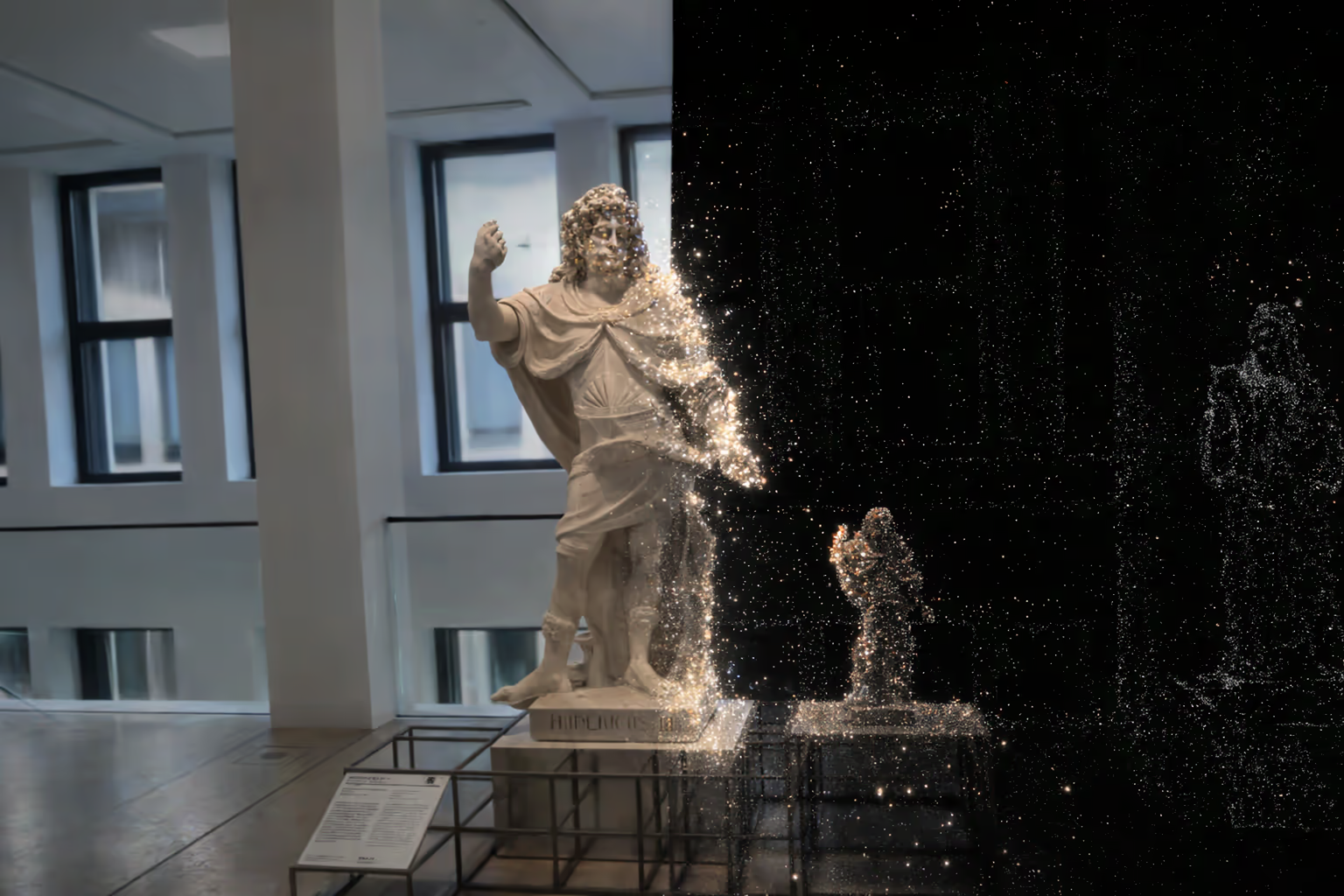
3D Gaussian Splatting, often shortened to 3DGS, is a modern technique for representing and rendering real-world environments as collections of optimized 3D Gaussian primitives.
In simple terms, Gaussian Splatting is a way to rebuild a scene digitally so it looks soft, rich and highly realistic from many viewing angles. Instead of depending only on traditional polygon meshes, the scene is described using many small volumetric elements with position, scale, color, opacity and orientation.
This makes Gaussian Splatting especially relevant for documentation and technical understanding, panoramic video workflows, Blender pipelines, Unreal Engine projects, Unity use cases and modern alternatives to classical reconstruction methods.
In simple terms
Gaussian Splatting makes large spatial scenes look more natural and more viewable, often with less friction than older mesh-first pipelines.
Creation workflow
How is a Gaussian Splat scene created?
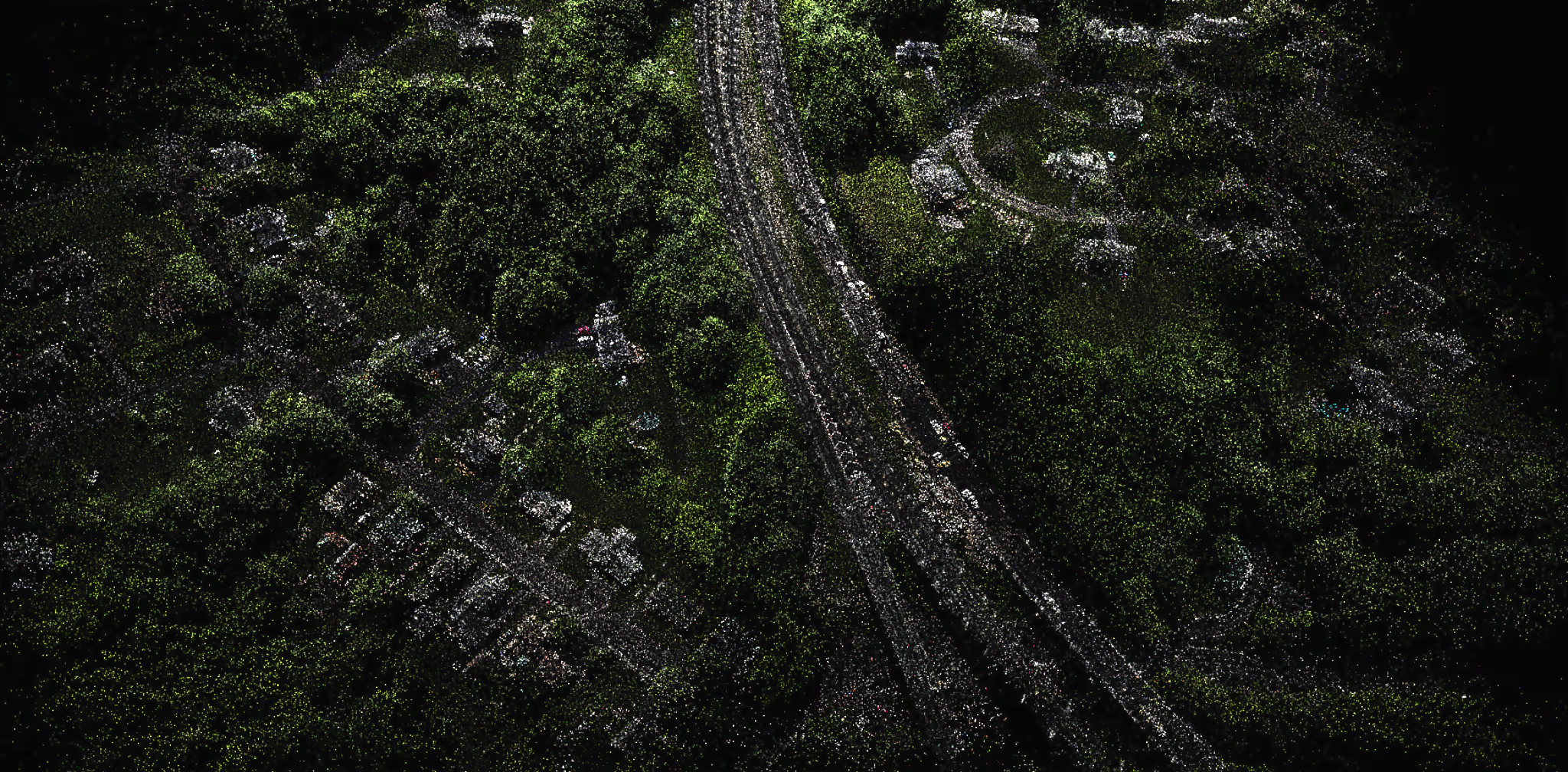
A Gaussian Splat scene is usually created from many overlapping images, video frames or structured capture data recorded from different viewpoints. The quality of the final result depends on good coverage, stable capture, sharp imagery and enough visual overlap across the scene.
In many workflows, the system first estimates camera positions and scene structure. After that, the scene is optimized as many 3D Gaussians that collectively reproduce the appearance of the original environment. This optimization stage is what allows Gaussian Splatting to generate smooth, highly detailed views with strong visual realism.
If you are preparing datasets inside Splatware, pages like uploading and data preparation, capture settings and training parameters are highly relevant for getting better outputs.
1. Capture
3. Train
4. Review and publish
Watch
Video explainer: Gaussian Splatting in practice (by IndividualKex)
This short video delivers an in depth look into how 3d Gaussian Splatting actually works from a technical perspective. (by IndividualKex)
How to use & Create 3D Gaussian Splatting Models.
Technical process
How Gaussian Splatting works
A typical Gaussian Splatting workflow begins with many source views of the same real environment. The system estimates camera poses and optimizes the position, opacity, color, scale and orientation of many small Gaussian primitives in 3D space.
Each Gaussian acts like a soft volumetric building block. When enough of them are optimized together, they can reproduce fine detail, soft transitions, partial transparency, thin geometry and complex visual structure in a way that looks natural from many viewpoints.
Unlike traditional mesh-first reconstruction, the resulting representation is designed directly for viewing and rendering. That is why Gaussian Splatting often feels especially strong for scene generation, editing workflows, media production and virtual tour experiences.
Step 1
Capture enough views of the same scene with good overlap.
Step 2
Estimate camera poses and optimize the Gaussian representation.
Step 3
Render and inspect a realistic, navigable 3D scene.
Capture context
Gaussian Splatting, point clouds, laser scanning and mobile capture
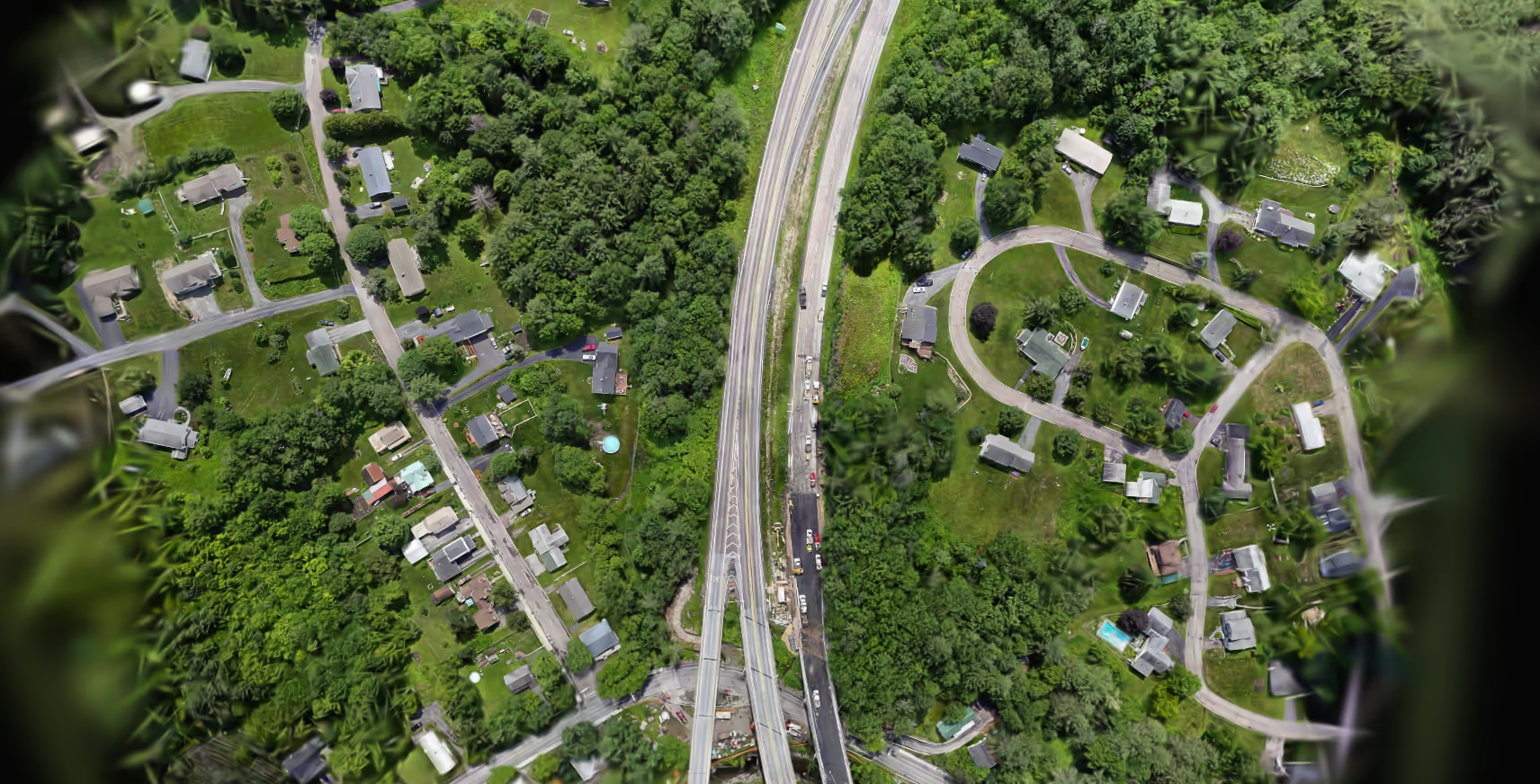
Gaussian Splatting is often discussed together with point clouds, laser scanning, photogrammetry and mobile capture workflows. These categories overlap, but they are not identical.
In a typical surveying or scanning context, a project may begin with a point cloud generated from LiDAR, SLAM-based mobile scanning, drone imagery or camera-based reconstruction. From there, Gaussian Splatting can be used as a highly viewable visual layer for realistic presentation, review or communication.
For example, mobile capture systems can scan large spaces quickly, while image-driven pipelines can provide rich visual appearance. In practical production, teams may combine structured capture, photogrammetry, panoramic workflows and editing tools from the Splat Editor or editor environment. After training, teams can continue with Virtual Tour Studio, Photo Video Studio, Marketplace publishing or analytics workflows depending on the project goal.
Point clouds
Laser scanning
SLAM and mobile capture
360 video and panoramic capture
Why it matters
Why Gaussian Splatting matters
More accessible photorealism
Better communication
Faster review workflows
Strong for production teams
Benefits
Main benefits of Gaussian Splatting
Key benefit
Highly realistic visual appearance for real-world spaces
Key benefit
Efficient viewing compared with many raw scene representations
Key benefit
Excellent fit for 360 video and panoramic workflows
Key benefit
Fast path from capture to presentable 3D result
Key benefit
Useful for inspection, review, documentation and communication
Key benefit
Strong integration potential with Blender, Unreal and Unity
Key benefit
Helpful for customer-facing presentations and immersive experiences
Key benefit
More understandable for non-technical stakeholders than raw spatial data
Key benefit
Supports modern publishing, editing and showcase workflows
Start building today
Create a Gaussian Splatting model now
Upload your images or 360 video, train your scene in Splatware Workspace and manage it inside your broader production pipeline.
Comparison
Gaussian Splatting vs photogrammetry
Photogrammetry and Gaussian Splatting both reconstruct real environments, but they optimize for different strengths. Photogrammetry is usually focused on explicit geometry and texture reconstruction. Gaussian Splatting is more directly optimized for rich, realistic viewing and smooth scene presentation.
In practice, that means the best choice depends on the goal. If you need editable geometry, classical modeling workflows or dense reconstruction outputs, photogrammetry may still be the better fit. If you need realistic viewing, immersive presentation, efficient scene sharing or browser-based exploration, Gaussian Splatting can be very compelling.
| Aspect | Gaussian Splatting | Photogrammetry |
|---|---|---|
| Output type | Volumetric scene representation | Mesh + texture maps |
| Visual realism | Excellent for real spaces | Strong, often needs cleanup |
| Scene presentation | Very compelling for viewing | Often secondary to geometry |
| 360 workflows | Excellent fit | Less natural pipeline |
| Geometry editing | Less explicit | Usually stronger |
| Use case fit | Tours, visualization, immersive presentation | Modeling, geometry-heavy workflows |
Applications
Industry applications for Gaussian Splatting
Surveying, construction and inspection
3D Gaussian Splatting is highly relevant for surveying and construction because it gives teams a more intuitive way to review and communicate real site conditions. Instead of relying only on technical data, stakeholders can inspect a scene visually and understand context faster.
- Visual review of building conditions and site progress
- Clearer communication with clients and non-technical teams
- Helpful support for documentation and inspection workflows
- Useful presentation layer next to scans, point clouds or imagery

Monument preservation and cultural heritage
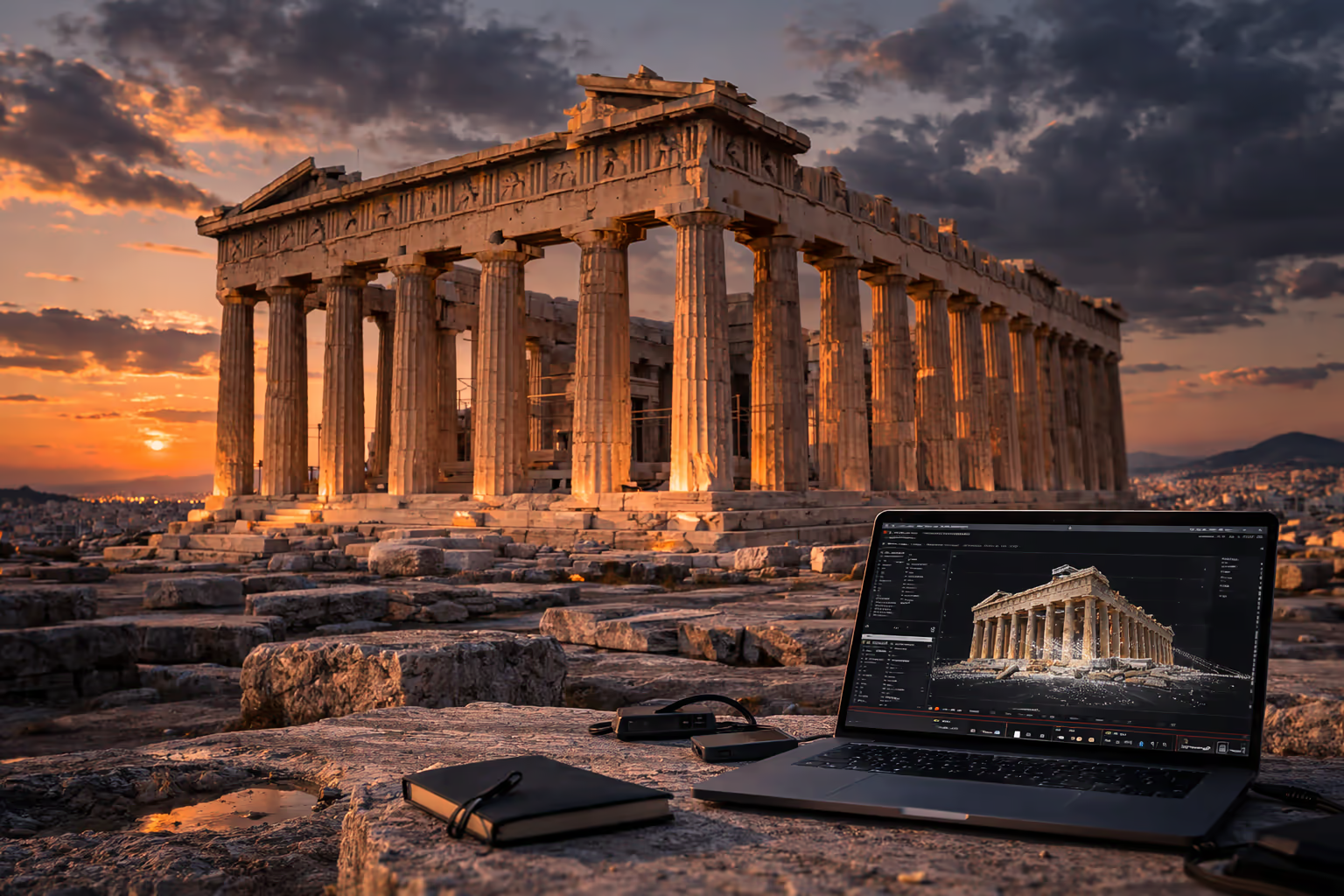
Historical buildings and cultural sites often contain complex surface detail that benefits from rich visual representation. Gaussian Splatting can support restoration planning, digital documentation, virtual access and immersive presentation of heritage assets.
- Detailed recording of historical structures
- Efficient visual communication of restoration projects
- Useful for documentation, archiving and immersive access
- Strong fit for virtual exhibitions or research presentation
CGI, VFX, media production and gaming
In CGI, VFX and game-adjacent workflows, Gaussian Splatting can be useful for environment capture, realistic scene previews, rapid visualization and spatial media workflows. It is especially valuable when teams want convincing visual output with modern real-time or near-real-time presentation.
- Environment visualization for media and creative production
- Fast review of captured spaces and scene context
- Useful for immersive storytelling and virtual tours
- Relevant for Blender, Unreal Engine and Unity pipelines
Getting started
Start with Gaussian Splatting in Splatware

The easiest way to start is to capture a real environment, upload the dataset into the Splatware Workspace, review the training workflow, refine the result in the editor, and publish or share it through your preferred workflow.
- 1Capture your scene using images, video or panoramic input. Start with Capture or Capture Docs.
- 2Prepare your dataset with data preparation guidance.
- 3Train the scene and tune it using training parameters.
- 4Improve or clean the result inside the Splat Editor.
- 5Publish into Tours, Showcase, Marketplace or your own production flow.
Takeaway
Summary: why 3D Gaussian Splatting is important
If you want a modern workflow for photorealistic 3D scenes, immersive visualization, point-cloud-adjacent presentation, 360 video reconstruction and production-ready spatial storytelling, Gaussian Splatting is one of the most important techniques to understand today. It is also highly relevant if you are looking for alternatives to photogrammetry, browser-based scene sharing, or modern immersive tours.
It creates highly realistic scene results
It supports fast visual communication of real spaces
It works well with modern capture and panoramic workflows
It is highly relevant for surveying, heritage, VFX and immersive presentation
It connects naturally with editing, publishing and marketplace workflows
Splatware makes the workflow much easier to use in practice
FAQ
Gaussian Splatting FAQ
This expanded FAQ covers the most asked questions about 3DGS
What is Gaussian Splatting?
3D Gaussian Splatting is a 3D scene representation and rendering technique that uses many optimized 3D Gaussians to reconstruct photorealistic environments from images, video and modern capture workflows.
How is a Gaussian Splat scene created?
A Gaussian Splat scene is created by capturing many images or frames of the same environment, estimating camera poses and optimizing a large set of 3D Gaussian primitives so the rendered scene matches the original views.
What is Gaussian Splatting used for?
It is used for photorealistic 3D scene capture, immersive walkthroughs, construction and inspection visualization, surveying presentation, heritage documentation, VFX, media production and game engine workflows.
Is 3D Gaussian Splatting better than photogrammetry?
It depends on the goal. If you need explicit geometry for modeling, photogrammetry may be stronger. If you need highly realistic viewing and immersive presentation, Gaussian Splatting can be a better fit.
Can Gaussian Splatting work with point clouds or laser scanning workflows?
Yes. While Gaussian Splatting is not the same thing as a raw point cloud, it is highly relevant in spatial capture ecosystems and can complement scanning-based workflows with a stronger visual presentation layer.
Can Gaussian Splatting work with 360 video?
Yes. It can work especially well with panoramic capture workflows when the scene coverage and training pipeline are designed for 360 input.
Splatware workspace
Ready to create your own Gaussian Splatting scene?
Start in the workspace, upload your data and train your next photorealistic 3D model with Splatware.