
Gaussian Splatting Learn
How to Create Gaussian Splatting from 360 Video
Learn how to capture 360 footage and train photorealistic Gaussian Splatting scenes using Splatware.
Start building now
Turn your images or 360 video into photorealistic 3D scenes
Upload your capture, train a Gaussian Splatting scene and manage everything directly in the Splatware workspace.
360 Capture Workflow
Creating Gaussian Splatting from 360 video is one of the most efficient ways to build a photorealistic 3D scene from a full panorama. Instead of collecting many separate still images, you can record a complete spherical sequence and use that equirectangular source as the basis for training.
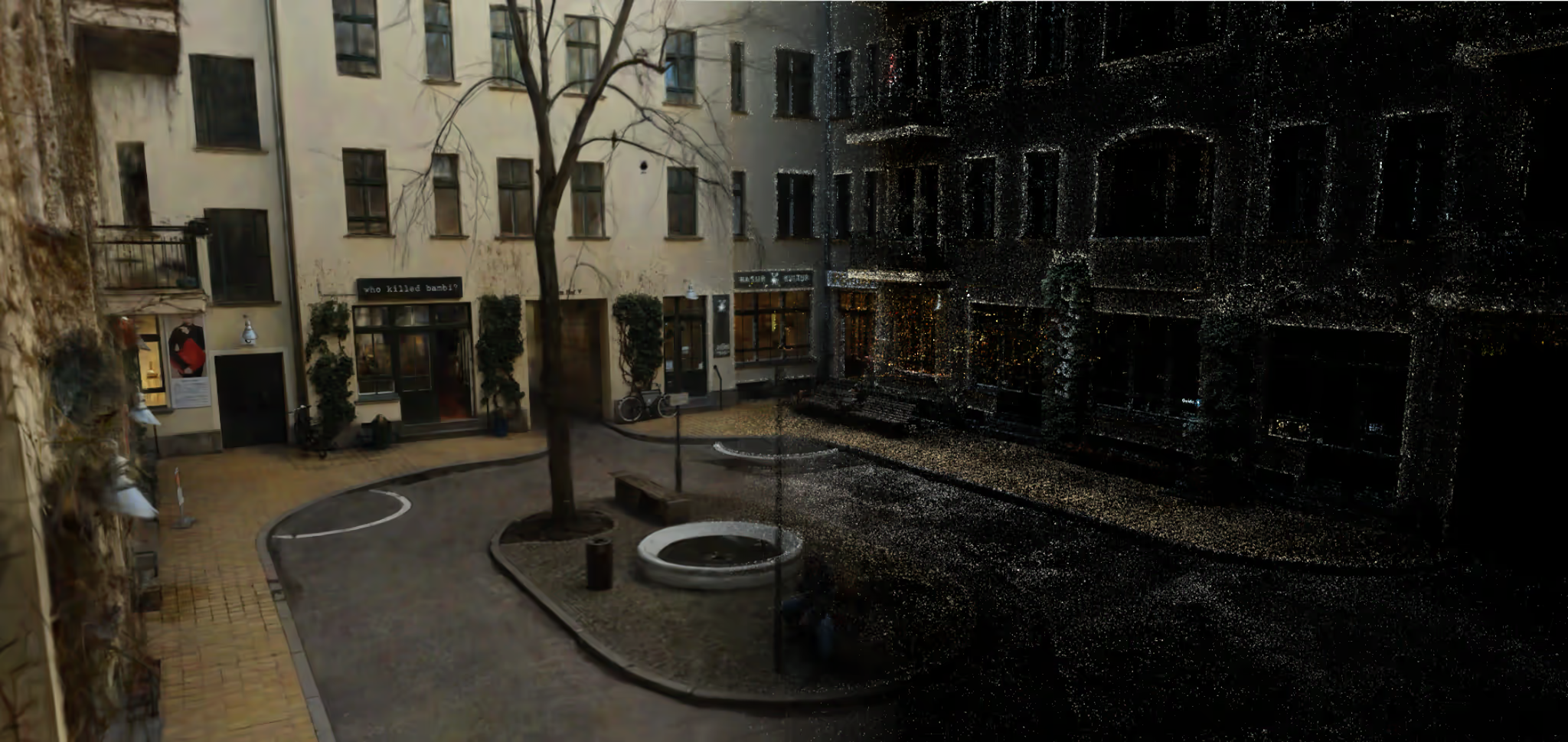
Why it matters
Why use 360 video for Gaussian Splatting?
This workflow is attractive because every frame already contains the whole environment, which can dramatically speed up scene acquisition.
More coverage per second
Simpler field workflow
Strong fit for real spaces
The biggest advantage of 360 video is efficiency. A single camera pass can collect enough panoramic context for a large part of a room, corridor or outdoor path. That makes it especially useful when you want to train a scene quickly inside Splatware Workspace.
Compared with traditional still-image pipelines, 360 video can be more forgiving from a workflow perspective because you are continuously collecting coverage. Compared with strict photogrammetry workflows, it can feel faster and more practical for many real production teams.
Key idea
Capture more, faster
Watch
Video explainer: 360 video to Gaussian Splatting
This short walkthrough video help users understand the practical difference between normal capture and equirectangular panorama capture.
Gaussian Splatting with 360 Cameras in depth Tutorial Video
Best-fit scenarios
When 360 video works especially well
360 video is not the right tool for every scene, but it can be excellent when the environment and motion path are suited to panoramic capture.
Great candidates
- Interior walkthroughs
- Real estate and property tours
- Construction progress capture
- Museums, galleries and public spaces
- Outdoor paths with stable movement
Harder situations
- Dark scenes with heavy noise
- Fast motion and strong motion blur
- Mirrors, glass and highly reflective materials
- Tight spaces where the camera is too close to surfaces
- Scenes with repeated patterns and weak visual landmarks
Equipment
Camera setup: Insta360, Ricoh Theta, DJI Osmo and related workflows
Capture quality has a huge effect on training quality. Good settings matter more than later cleanup.

For the best results, record at the highest practical resolution your camera supports. Because 360 footage is typically stored as an equirectangular panorama, the effective detail available in each part of the frame is lower than the raw pixel count may suggest.
Popular camera choices for this workflow often include Insta360 models, Ricoh Theta cameras and, in some related stabilized capture pipelines, DJI Osmo devices. Insta360 and Ricoh Theta are especially relevant when your goal is true spherical panorama video. DJI Osmo can be useful in broader stabilized video workflows, but for full panorama capture the strongest fit is usually a dedicated 360 camera.
Low ISO, controlled exposure and clean lenses are essential. A small smudge on a 360 lens can affect a large portion of the equirectangular frame. A slim monopod or selfie stick is also helpful because it reduces operator visibility and simplifies cleanup later in Splat Editor.
Use high resolution
Keep ISO low
Use stable support
Clean both lenses
Projection
What equirectangular panorama footage means in a 360 workflow
Most 360 cameras save the full spherical view into a flattened rectangular frame.
An equirectangular frame is the flat 2D projection of a full 360° sphere. In practice, that means your camera records a complete panorama, but the file is stored as a rectangle. This is the common output format for many Insta360 and Ricoh Theta workflows.
That flat equirectangular video is convenient for storage and editing, but it also means detail is distributed unevenly across the frame. The poles and horizon behave differently from a normal perspective camera, which is one reason clean motion and strong overlap are so important for training.
In short, the equirectangular panorama is not just a visual format. It directly affects how you should think about resolution, distance to objects, scene overlap and movement speed during capture.
Important concept
Panorama quality influences scene quality
Field technique
Capture tips for better 360 Gaussian Splatting
The best scenes usually come from slow, deliberate camera movement and strong overlap across the environment.
Tip
Move slowly
Slow motion reduces blur and improves alignment.
Tip
Keep distance
Avoid getting too close to walls, corners and reflective objects.
Tip
Create loops
Ending near the start point can stabilize larger captures.
Tip
Vary the route
Multiple paths improve scene coverage and depth cues.
Practical advice
Treat 360 capture like a clean camera path, not like casual walking
Pipeline
Training workflow in Splatware
The main goal is to move from raw panoramic video to a usable scene with as little friction as possible.
Capture
Record clean 360 footage with stable motion and strong coverage.
Upload
Send the panorama video into the appropriate Splatware workflow.
Prepare
Use the right equirectangular input pipeline and data preparation steps.
Train
Run the scene with quality-focused settings and review the output.
Publish
Use the result in tours, showcases, exports or downstream tools.
Inside Splatware, the most relevant supporting pages are uploading and data preparation, capture settings and training parameters. These are the places to look when you want more consistent quality from a 360 workflow.
If your target output is a downstream workflow, you can continue into Unreal Engine, Blender workflows, tours, showcase pages or the marketplace.
Checklist
360 video quality checklist before training
Quick Summary for Creating Gaussian Splatting Models from 360 Cameras.
Lenses cleaned before recording
Highest practical resolution selected
Low ISO and controlled exposure
Stable, slow movement path
Multiple routes through the scene when possible
Reasonable distance from walls and objects
Loop closure or return path captured
No excessive motion blur or low-light noise
Avoid these
Common mistakes in 360 video Gaussian Splatting
Most poor results start during capture, not during rendering.
Mistake 1
Too much motion blur
Mistake 2
Low-light noise
Mistake 3
Getting too close to surfaces
Mistake 4
Only one straight path
Get started
Start your 360 video workflow in Splatware
Move directly from learning to action.
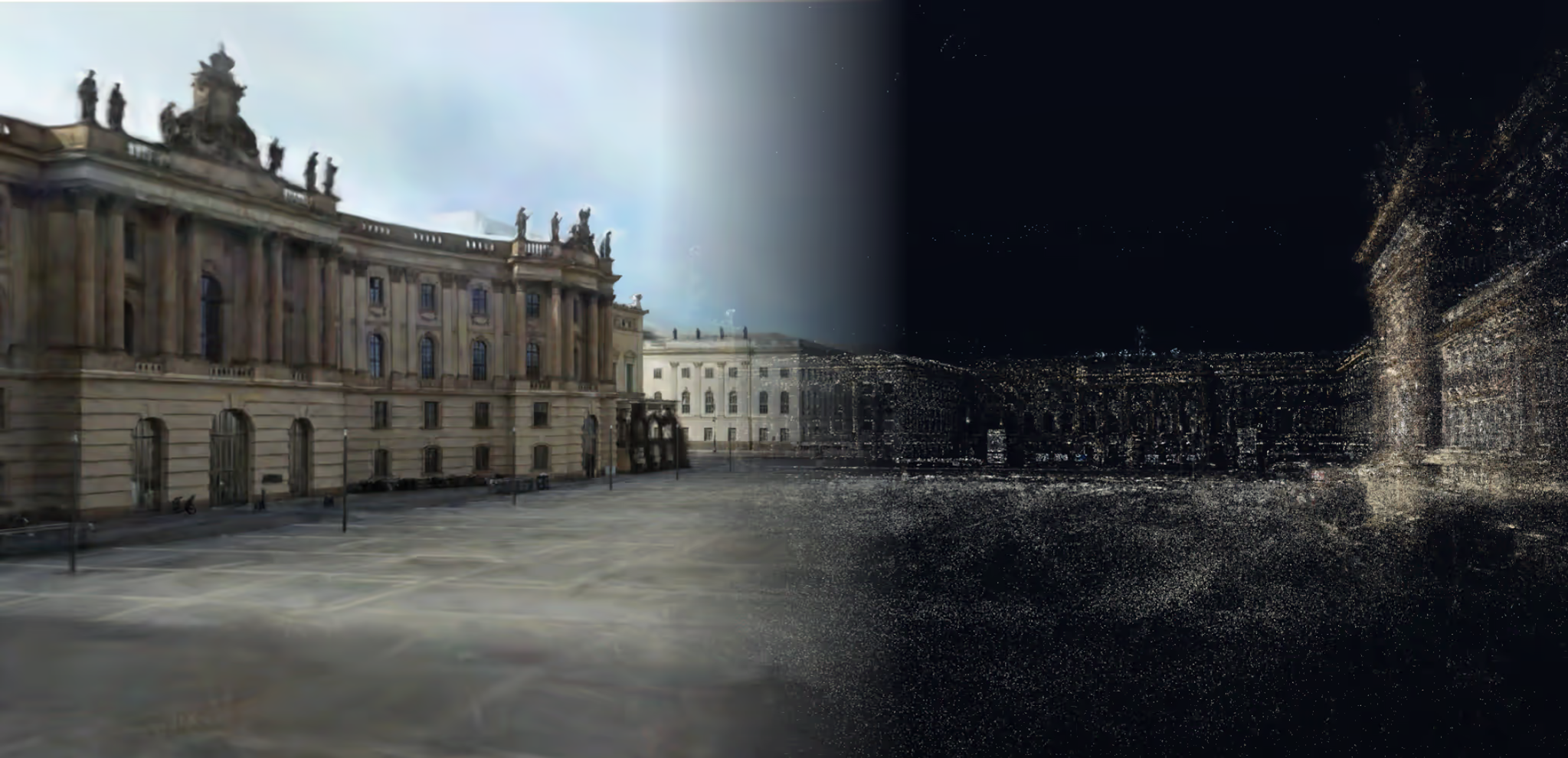
The fastest path is to record a clean panoramic sequence, upload it into Splatware Workspace, use the right preparation workflow, train the scene and refine the result as needed in the editor.
Ready to build?
Turn 360 footage into a photorealistic scene
Capture, upload, train and publish your next panoramic Gaussian Splatting project in one workflow.
FAQ
Gaussian Splatting from 360 video FAQ
This FAQ covers additional search intent and Questions about 3D Gaussian Splatting with 360 cameras
Can you create Gaussian Splatting from 360 video?
Yes. When the workflow supports panoramic input, 360 video can be used to train Gaussian Splatting scenes with wide scene coverage and an efficient capture process.
What camera is best for Gaussian Splatting from 360 video?
High-resolution 360 cameras are usually the strongest option because they provide full-environment coverage in every frame. Insta360 and Ricoh Theta workflows are especially relevant when you need true panorama capture.
What is equirectangular video?
Equirectangular video is the rectangular panorama projection used by many 360 cameras. It unwraps the full spherical environment into a flat frame so the video can be stored, edited and processed.
Can DJI Osmo be used in related workflows?
Yes, DJI Osmo devices can be useful in stabilized capture workflows, but when you need a full 360 panorama for equirectangular processing, a dedicated 360 camera is usually the stronger fit.
Is 360 video better than photogrammetry?
It depends on the project. 360 video is often faster and easier for scene coverage, while photogrammetry can still be valuable when an explicit geometry-focused workflow is more important.
How do I improve quality?
Use clean lenses, high resolution, low ISO, stable movement, strong overlap and more than one path through the environment when possible.
Splatware workspace
Ready to create your own Gaussian Splatting scene?
Start in the workspace, upload your data and train your next photorealistic 3D model with Splatware.