
Gaussian Splatting Learn
How to Import Gaussian Splatting into Unreal Engine 5
Import Gaussian Splatting PLY files into Unreal Engine 5 and render 3DGS scenes in real time.
Start building now
Turn your images or 360 video into photorealistic 3D scenes
Upload your capture, train a Gaussian Splatting scene and manage everything directly in the Splatware workspace.
UE5 Engine Workflow
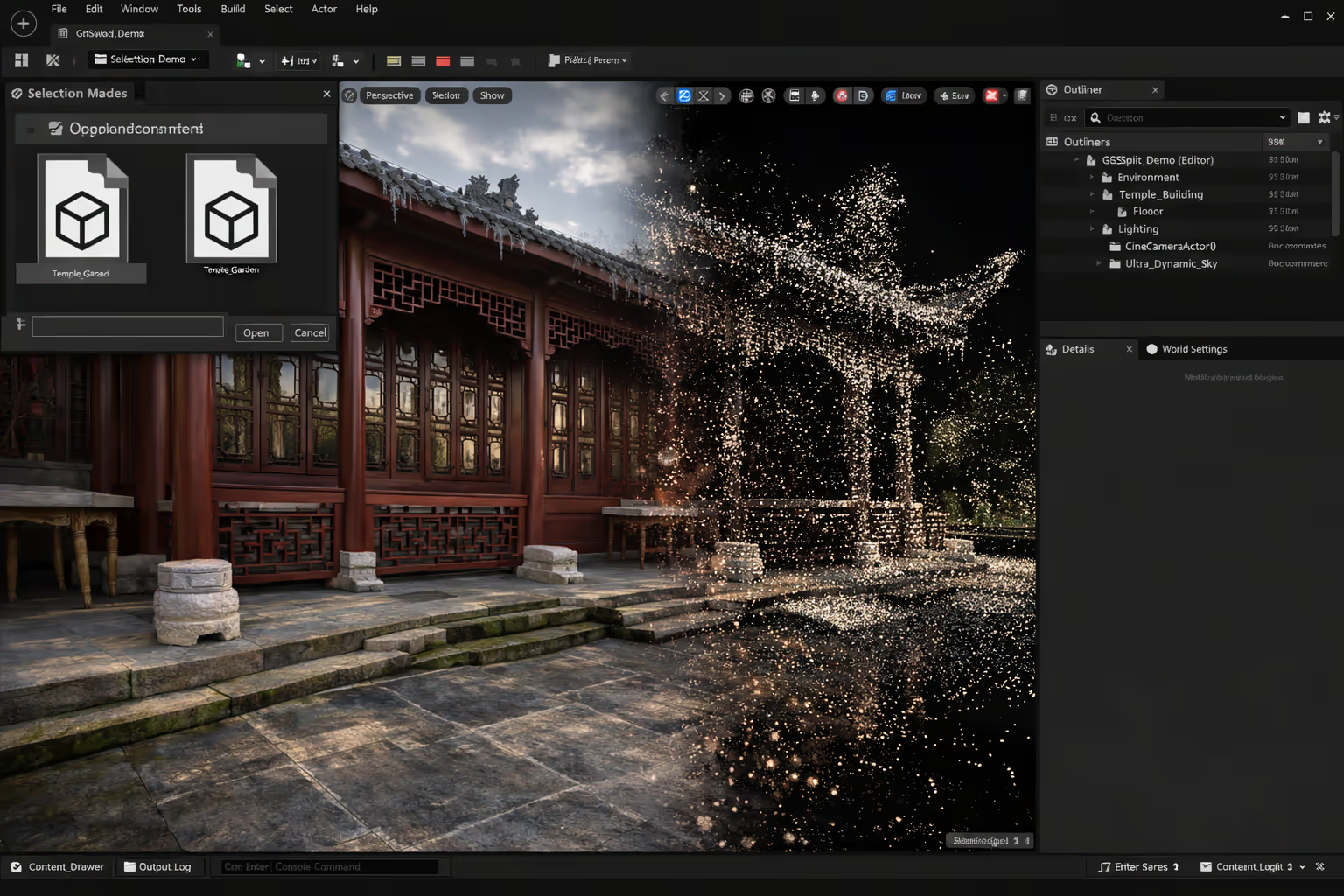
Gaussian Splatting in Unreal Engine 5 is one of the most exciting real-time workflows for immersive 3D scenes, interactive presentations and hybrid production pipelines. By exporting a 3D Gaussian Splatting model from Splatware and loading the resulting PLY file into UE5, you can combine photorealistic splat rendering with sequencing, camera control, Niagara-based rendering, Blueprint logic and native Unreal Engine tools.
Why UE5
Why use Unreal Engine for Gaussian Splatting?
If a browser viewer is not enough and you need a scene to become part of a larger real-time environment, Unreal Engine is often the stronger destination.
Real-time scene control
Hybrid environments
Production flexibility
Unreal Engine is especially useful when your Gaussian Splatting scene needs to become more than a static viewer experience. In UE5, the scene can be part of a cinematic sequence, a real-time demo, an immersive walkthrough, a branded installation or a hybrid 3D application with interaction.
This is one reason so many teams search for Gaussian Splatting Unreal Engine 5, UE5 Gaussian Splatting and Unreal Engine Gaussian Splatting import. The engine gives you a full environment around the splat, not just the splat itself.
Requirements
What you need before importing Gaussian Splatting into Unreal Engine 5
The import workflow is straightforward with export format, plugin setup and engine version aligned.
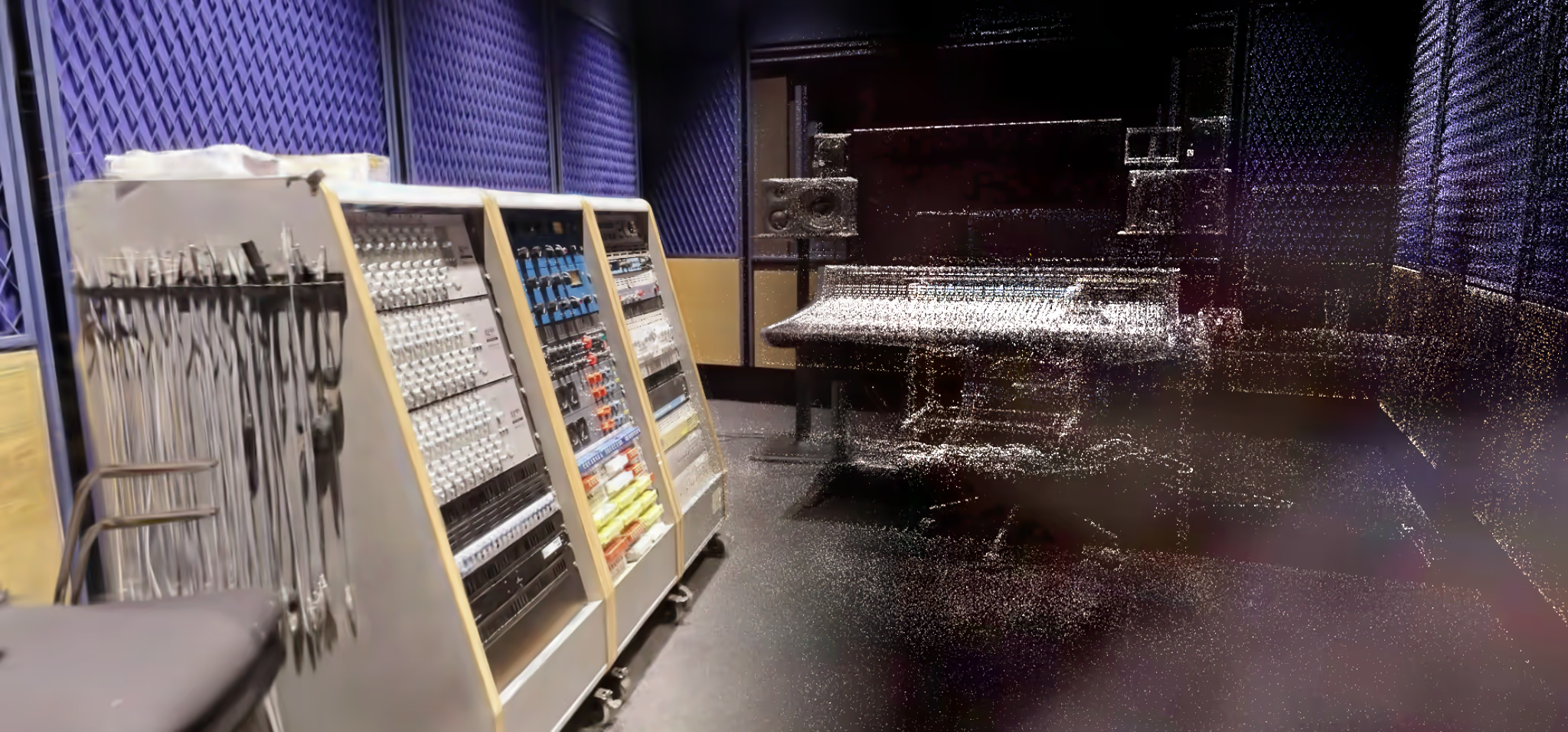
To use Gaussian Splatting in Unreal Engine, you generally need three things: a trained scene exported from Splatware Create or Workspace, a compatible PLY export, and a plugin workflow inside UE5 that can render the splat efficiently.
Based on your current docs workflow, the practical setup looks like this:
1. Download your PLY from Splatware
2. Install Unreal Engine 5
3. Install the XScene UE Plugin
4. Enable Niagara
If you need related technical context first, it helps to review what is Gaussian Splatting, the core Gaussian Splatting guide and your export-related workflow inside uploading and data preparation.
Plugin setup
How to install the Unreal Engine plugin workflow
This is the practical installation path based on the current documentation stack.
Install UE5
Download plugin
Copy to plugin directory
Enable XV3DGS
After restart, the plugin adds a new panel that you can open through Window → Xv3dGS. That is the key entry point for the PLY import workflow.
This is the most important setup step for anyone searching for how to import Gaussian Splatting into Unreal Engine 5, UE5 Gaussian Splatting plugin or XScene UE Plugin Gaussian Splatting.
Import pipeline
How to import a Gaussian Splatting PLY file into Unreal Engine
Once the plugin is active, the core import process is simple and repeatable.
The standard Gaussian Splatting Unreal Engine workflow begins in Splatware. You train the scene, export the resulting model as a PLY, then import that file into the Xv3dGS window inside Unreal Engine.
According to your current docs, the plugin automatically generates a number of assets during import, including:
- A reusable Blueprint class for the Gaussian Splat scene
- Position texture
- Quaternion texture
- Scale texture
- SH₀ texture and related spherical harmonics data
After the import finishes, you can open the Content Browser, locate the generated GS_BP_* Blueprint asset and drag it directly into your level. At that point, your 3D Gaussian Splatting scene in UE5 becomes part of the real-time environment and can be used with cinematic cameras, Sequencer, post-processing and broader Unreal systems.
This is the core answer for users searching for import Gaussian Splatting into Unreal Engine, PLY Unreal Engine Gaussian Splatting and UE5 3DGS import workflow.
Import result
The Blueprint becomes your reusable Gaussian Splat asset
Plugin capabilities
Key XScene UE Plugin features for Gaussian Splatting
This section focuses on comparing plugin-based Unreal workflows.
Real-time Gaussian Splat rendering
Hybrid rendering
LOD support
Blueprint support
Model clipping and VFX behavior
Spherical harmonics support
These features are part of why Gaussian Splatting in Unreal Engine 5 is so appealing. The value is not only the import itself, but the fact that the splat can live inside a much larger production environment with tools Unreal teams already know well.
If your broader pipeline also includes DCC tools, compare this workflow with Gaussian Splatting in Blender and your more general engine or export workflows in Splat Editor and 3D Splat Editor showcase.
Optimization
Performance tips for Unreal Engine Gaussian Splatting
A scene that looks excellent in isolation may still need optimization once it becomes part of a larger real-time experience.
Performance
Use optimized exports
When available, start with the cleanest practical export from Splatware.
Performance
Test camera paths early
Performance can change depending on view direction, FOV and motion.
Performance
Keep post-process simple at first
Validate the splat first, then add heavier post-processing later.
Performance
Profile on real hardware
Large splat scenes may behave very differently depending on the GPU target.
Performance
Check scene complexity in context
The final experience may also include lighting, effects and other assets around the splat.
Your current docs already note an important reality: large 3DGS scenes may require strong GPU hardware. That is one of the core truths of real-time Gaussian Splatting in Unreal Engine. Camera FOV, view distance, post-processing and surrounding content all affect how the final scene behaves.
This is why performance should be considered early in any UE5 Gaussian Splatting project. It is much easier to optimize before the splat becomes embedded in a much larger interactive application.
Use cases
Best use cases for Gaussian Splatting in Unreal Engine
Not every splat needs to live inside UE5, but some projects become much more powerful there.
Interactive visualizations
Cinematic previews
Hybrid digital environments
Advanced installations and demos
If your goal is simply to view or share a trained scene, a lighter web-based workflow may be enough. But if you want the scene inside a larger real-time engine context, Gaussian Splatting Unreal Engine 5 is often the stronger choice.
For adjacent workflows, also compare Gaussian Splatting from 360 video, Gaussian Splatting in Blender and photogrammetry vs Gaussian Splatting.
Get started
Start the Unreal Engine workflow with Splatware
The most practical path is to treat Splatware as the training and export environment, then move into Unreal Engine as the destination runtime.
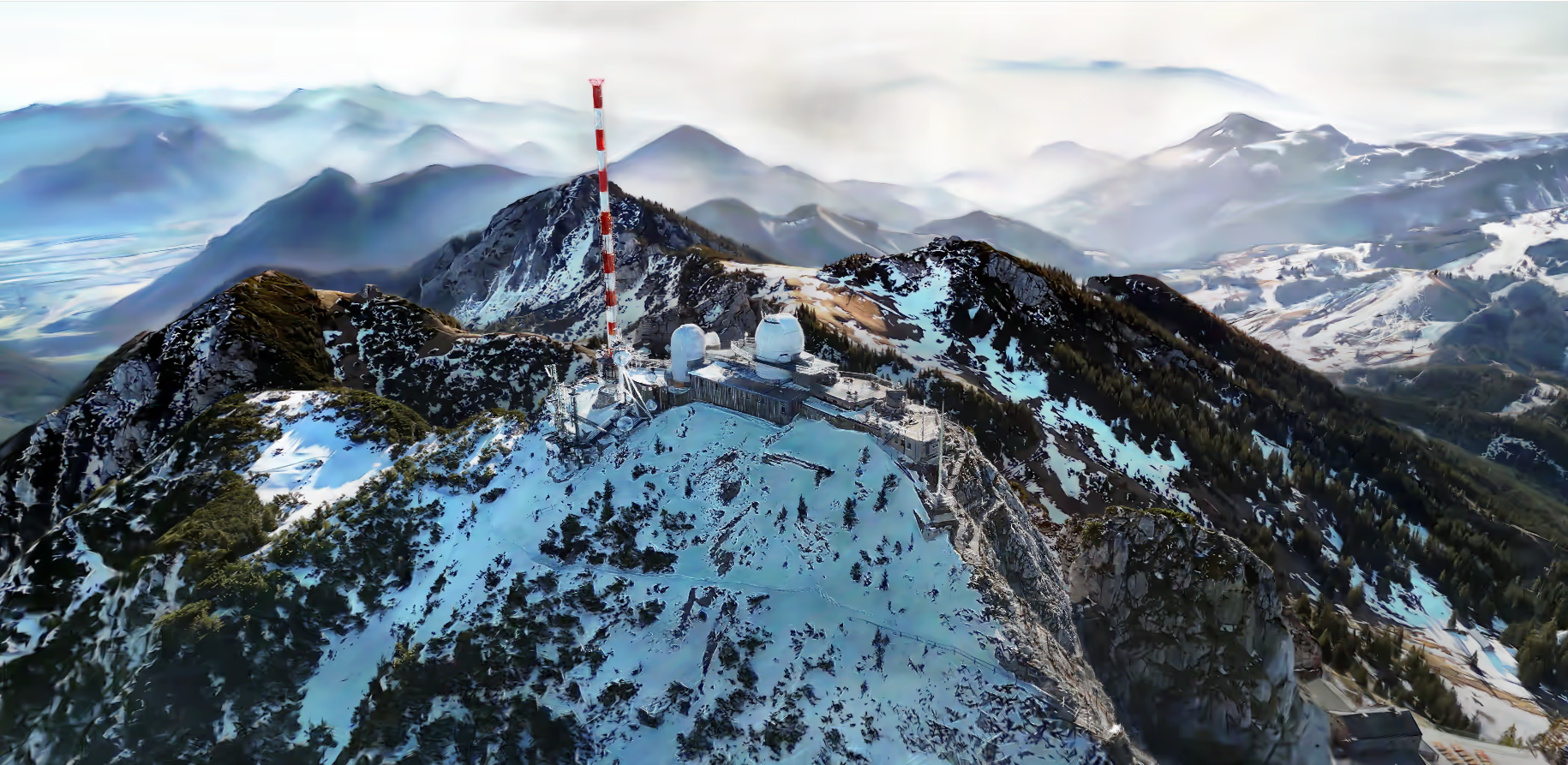
A practical production path looks like this: capture and train the scene in Splatware Workspace, export a PLY from Create, bring the file into the XScene UE Plugin workflow, then use the generated Blueprint inside your Unreal Engine project.
Build your UE5 workflow
Export a Gaussian Splat and bring it into Unreal Engine
Train in Splatware, export as PLY, import into UE5 and build your real-time scene around it.
FAQ
Gaussian Splatting in Unreal Engine FAQ
This FAQ covers the most important Questions around UE5 import and plugin-based rendering.
Can Unreal Engine render Gaussian Splatting scenes?
Yes. With the right plugin workflow, Unreal Engine can import and render Gaussian Splatting scenes for real-time use.
How do you import Gaussian Splatting into Unreal Engine 5?
A common workflow is to export a PLY file from Splatware, install a compatible plugin such as the XScene UE Plugin, import the PLY through the plugin window and place the generated Blueprint into your level.
What Unreal Engine versions support this workflow?
Based on the provided documentation content, the referenced plugin workflow supports Unreal Engine 5.1, 5.2, 5.3, 5.4 and 5.5.
Why use Unreal Engine for Gaussian Splatting?
Unreal Engine is useful because it offers real-time rendering, cinematic tools, Blueprint logic, Niagara integration, hybrid scenes and larger 3D production workflows around the splat.
Do I still need Splatware?
Yes, if Splatware is your training pipeline. Splatware handles scene preparation and PLY export, while Unreal Engine is the destination runtime and presentation environment.
Splatware workspace
Ready to create your own Gaussian Splatting scene?
Start in the workspace, upload your data and train your next photorealistic 3D model with Splatware.