
Gaussian Splatting Learn
Photogrammetry vs Gaussian Splatting
Compare photogrammetry and Gaussian Splatting for realism, speed, cost and production workflows.
Start building now
Turn your images or 360 video into photorealistic 3D scenes
Upload your capture, train a Gaussian Splatting scene and manage everything directly in the Splatware workspace.
Comparison guide
Photogrammetry vs Gaussian Splatting is not really a “winner takes all” question.
People often ask which is better: photogrammetry or Gaussian Splatting. That sounds simple, but in practice the answer depends on what you want to do with the result. If you need an established mesh workflow with explicit geometry, traditional post-processing and conventional 3D handoff, photogrammetry still has major strengths. If you want photorealistic real-time viewing, faster capture on site, smaller visual-first delivery and immersive presentation, Gaussian Splatting can be the much stronger option.
That is exactly why this page matters. It is not just a general comparison. It is a practical decision guide for teams working with 360 video, Unreal Engine, Blender, WebAR, digital twins, real estate, heritage projects and real-time visualization workflows.
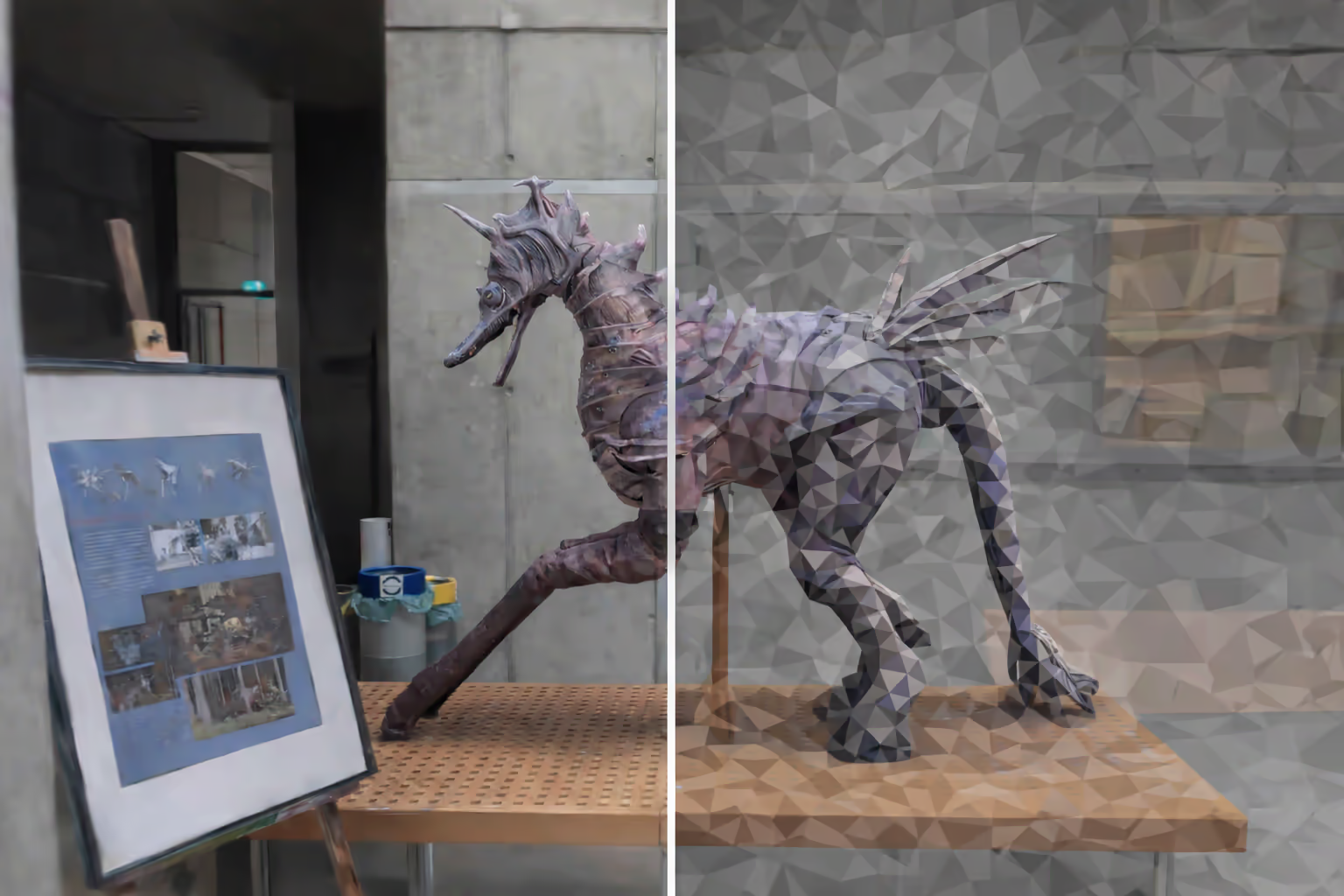
Photogrammetry at a glance
Gaussian Splatting at a glance
Quick answer
Use photogrammetry when you need mesh-centric control. Use Gaussian Splatting when visual realism and speed matter more.
Photogrammetry is usually the safer option if you need explicit geometry, classic polygon workflows, retouchable textures and outputs that behave like normal 3D models. That makes it attractive for conventional DCC and pipeline use, especially when downstream tools expect a mesh.
It is also often the more familiar choice for teams already centered on older capture methods or mesh cleanup workflows.
Gaussian Splatting is usually the stronger option when the goal is realistic viewing, smooth scene presentation, smaller visual-first delivery and faster acquisition in real environments. It works especially well in workflows that prioritize speed and appearance over conventional mesh editing.
That is why it keeps showing up in discussions around panoramic capture, WebAR, real-time viewing and immersive scene sharing.
Core difference
The real difference is representation.
Photogrammetry reconstructs a scene as a polygon mesh with textures. That makes it feel familiar inside traditional 3D software. You can measure it, treat it like an object, simplify it, retopologize it, texture it and move it through older mesh-oriented pipelines.
Gaussian Splatting does not primarily behave as a normal mesh. Instead, it represents the scene as a very large set of optimized Gaussian splats. That makes it much more about realistic rendering and viewpoint-dependent appearance than classic geometric asset manipulation.
This is also why the best supporting pages inside your own site are what Gaussian Splatting is, what photogrammetry is, engine workflows and Blender workflows.
Photogrammetry creates a mesh
Gaussian Splatting creates a view-optimized scene representation
Capture process
On-site capture is often where Gaussian Splatting starts to pull ahead.
One of the strongest arguments in favor of Gaussian Splatting vs photogrammetry is simply speed. In many real-world projects, photogrammetry requires a very large number of carefully captured source images. That can mean longer time on site, more attention to difficult angles and more risk when access to the object or environment is limited.
The ranking examples you shared underline this clearly: one real project used more than 1,000 photos and about 1 hour of on-site capture for photogrammetry, while the Gaussian Splatting workflow captured the same general subject in around 15 minutes. That time difference matters enormously in museums, heritage sites, construction environments and other locations where access is limited or sensitive.
This speed advantage becomes even more obvious when combined with 360 video capture, because continuous panorama-based acquisition can cover space much faster than a carefully staged still-photo process.
Quality comparison
Photogrammetry often wins on explicit detail control. Gaussian Splatting often wins on perceived realism in motion.
Photogrammetry can produce very detailed and accurate-looking models, especially when source imagery is clean and abundant. It remains excellent for high-fidelity texture capture and explicit mesh output. But it also has a familiar weakness: gaps, distortions and hard artifacts can become very visible when the source imagery is incomplete or weak in shaded, reflective or hard-to-reach zones.
Gaussian Splatting tends to produce a softer, more visually coherent scene appearance in real-time viewing. Even though it may not always behave like a conventional mesh, it often looks more convincing when the goal is immersive presentation rather than geometric analysis.
Where photogrammetry usually looks stronger
Where Gaussian Splatting usually looks stronger
Where both can fail
File size and performance
File size and runtime behavior are more complicated than they look on paper.
One of the most interesting real-world observations from your source material is that the Gaussian Splatting file was much smaller than the photogrammetry model at a comparable visual quality target. In the shared example, the Gaussian Splatting model was around 4 MB, while the photogrammetry result was closer to 20 MB in an acceptable optimized state.
That sounds like an obvious win, but runtime behavior is not always identical to file size. In the same practical test, the smaller Gaussian Splatting asset still showed a somewhat lower frame rate on a mobile device, because splat rendering can create a different kind of GPU load than polygon rendering.
This is one reason the right answer for photogrammetry vs Gaussian Splatting for WebAR is not simply “pick the smaller file.” You have to evaluate file size, runtime behavior, GPU load and delivery model together.
Photogrammetry in mobile / WebAR
Gaussian Splatting in mobile / WebAR
Editing and tools
Tool maturity is still one of photogrammetry’s biggest advantages.
Photogrammetry benefits from a long-established ecosystem. You can align images with markers, use GPS metadata, clean geometry, retouch textures and move the model through many standard tools. It may not be the fastest process, but it is very mature.
Gaussian Splatting is more modern and often more efficient visually, but the tool ecosystem is still younger. Editing and retouching can be more experimental, even though this is changing quickly with workflows such as Blender + 3DGS Render, Unreal Engine plugin pipelines and internal tools like Splat Editor.
Photogrammetry editing
Gaussian Splatting editing
Where Splatting is catching up
Best for what
The best method depends on the target output, not just the capture method.
Choose photogrammetry when you need…
Choose Gaussian Splatting when you need…
Choose photogrammetry for…
Choose Gaussian Splatting for…
This is also where internal learning paths matter. If your priority is an engine or runtime destination, continue into Gaussian Splatting in Unreal Engine. If your priority is editing and look development, continue into Gaussian Splatting in Blender. If your priority is acquisition speed in real spaces, continue into Gaussian Splatting from 360 video.
Decision framework
Ask these five questions before choosing.
The easiest way to decide between photogrammetry vs Gaussian Splatting is to ask what the scene has to become after capture.
- Do you need a mesh? If yes, photogrammetry is often the safer choice.
- Do you need fast real-world capture? If yes, Gaussian Splatting often becomes more attractive.
- Is immersive viewing the main goal? If yes, Gaussian Splatting is often stronger.
- Do you need mature post-processing tools? If yes, photogrammetry still has an advantage.
- Are file size and WebAR delivery important? If yes, evaluate both, but take a very close look at Gaussian Splatting.
Start with Splatware
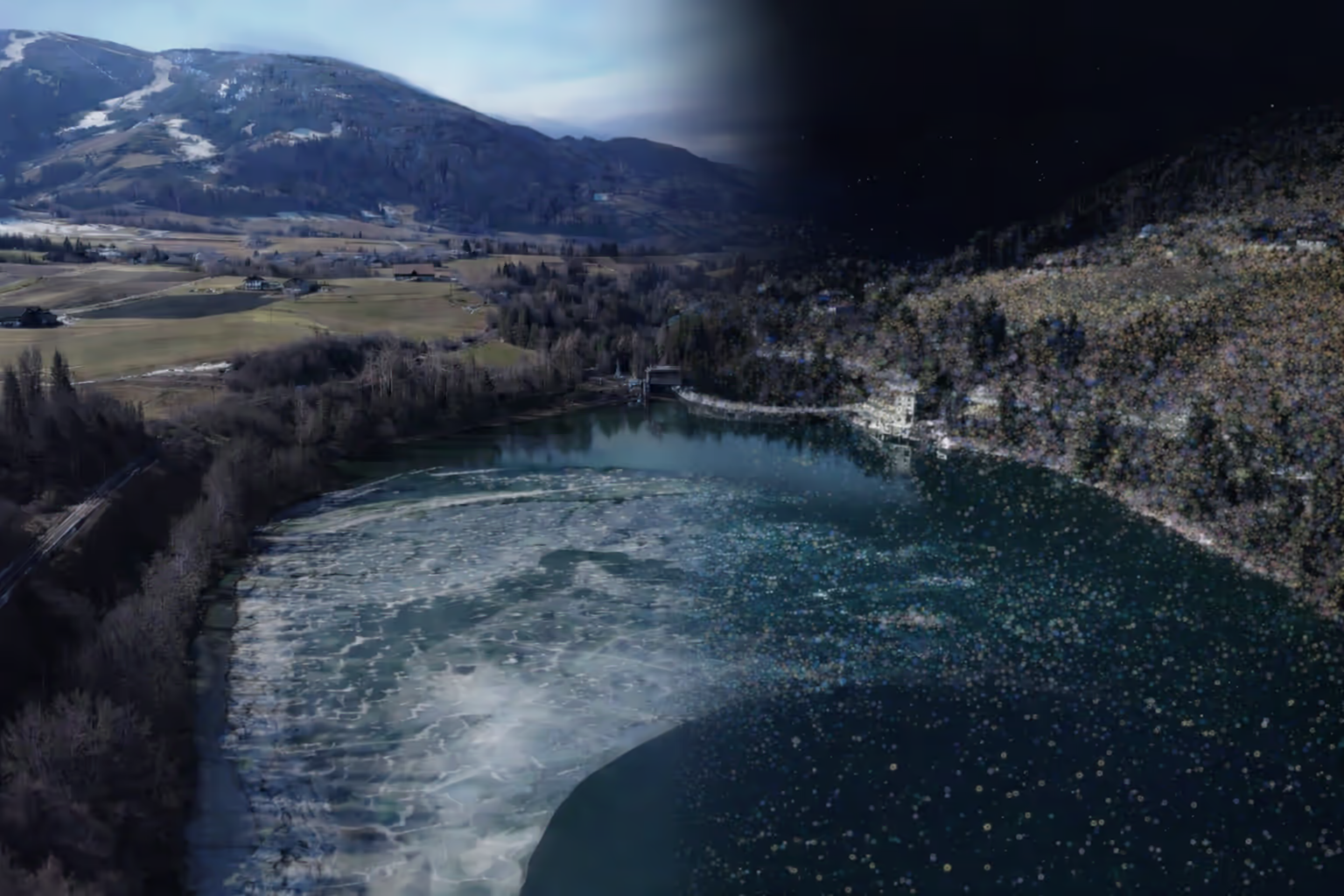
When Gaussian Splatting is the right choice, Splatware gives you the practical workflow to act on it.
If your conclusion after this comparison is that Gaussian Splatting better matches the output you want, the next step is simple: capture the scene, upload into Splatware Workspace, train it, then continue into the right destination workflow.
That destination might be 360 video reconstruction, Unreal Engine, Blender, a browser-based scene, a tour or a marketplace-ready asset.
Ready to build?
Start your Gaussian Splatting workflow now
Train your scene in Splatware and move into the workflow that fits your project best.
FAQ
Photogrammetry vs Gaussian Splatting FAQ
What is the main difference between photogrammetry and Gaussian Splatting?
Photogrammetry usually creates a polygon mesh with textures, while Gaussian Splatting represents a scene as many volumetric splats optimized for visual realism and real-time viewing.
Which is better: photogrammetry or Gaussian Splatting?
It depends on the goal. Photogrammetry is often better for mesh-based editing, established pipelines and measurement-oriented workflows. Gaussian Splatting is often better for fast capture, photorealistic viewing, immersive presentation and lighter real-time distribution.
Is Gaussian Splatting faster than photogrammetry?
In many practical capture scenarios, Gaussian Splatting can be much faster on site and often requires less manual post-processing for visual-first outputs.
Is photogrammetry more accurate than Gaussian Splatting?
Photogrammetry is usually stronger when you need explicit geometry and mesh-oriented accuracy. Gaussian Splatting is often stronger when the priority is realistic scene appearance and fast viewing rather than traditional mesh editing.
Splatware workspace
Ready to create your own Gaussian Splatting scene?
Start in the workspace, upload your data and train your next photorealistic 3D model with Splatware.